
The business
Connecting
your bank.
Everyone who earns on this network does this once: operators, building owners, residential hosts and sales partners. It is Stripe’s form, not ours, which is the point. Set aside fifteen minutes and have your documents to hand.
Why Stripe and not us
We are the platform, not the money mover. Stripe holds the funds and pays them to your bank, which means Stripe is the one legally required to know who you are. That is why the identity questions are theirs and why we never see the answers.
It also means nobody at EV Initiative can change your bank account, and nobody at EV Initiative will ever phone you and ask for your banking details. If someone does, it is not us.
Before you start
Get these together first. Stopping halfway to go and find a number is what turns fifteen minutes into an afternoon.
- Your legal name and date of birth, exactly as they appear on your ID.
- Your address. The one your bank and your tax authority have.
- A phone you have with you, for the verification code.
- Your tax number. A SIN in Canada or an SSN in the United States. Usually the last four digits, sometimes the whole thing.
- Your bank details. In Canada, the institution number (3 digits), the transit number (5 digits) and the account number. In the United States, the ACH routing number (9 digits) and the account number.
- A government-issued photo ID, in case Stripe asks. It does not always, and whether it does depends on the country and the profile.
A residential host is almost always an individual. An operator, a building owner or a company is a business, and Stripe will ask about the entity and the people who own it. Have the incorporation details to hand if that is you.
Doing it
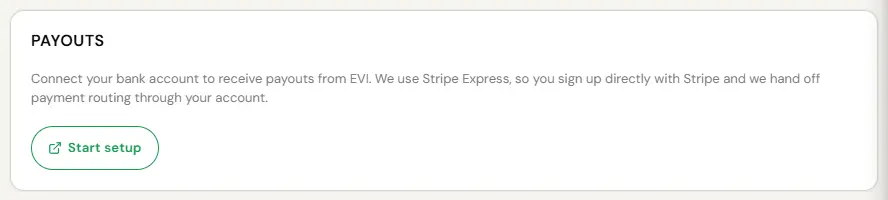
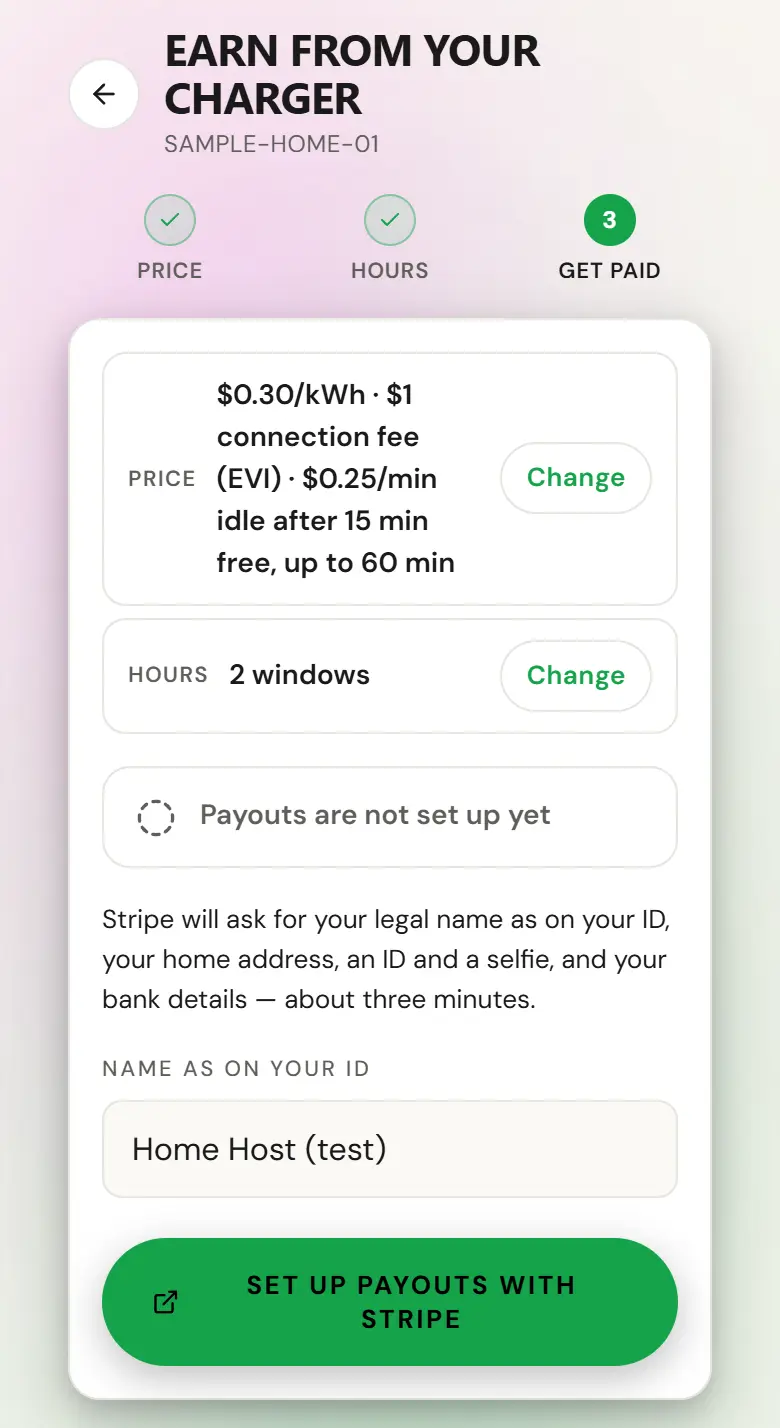
- Find the payouts setup where you earn: Start setup on the Payouts card under System, Settings in the operator console, the Set up payouts banner on a Sales Partner’s pages, or the Get paid step of the earn walk under My Home in the driver app. For a building’s electricity reimbursement, it is the Connect bank banner or the bank card in Site settings.
- You are handed over to Stripe. The screens from here are Stripe’s, not ours.
- Personal information: name, date of birth, address.
- Phone verification by text.
- Tax information: your SIN or SSN, and confirmation of whether you are an individual or a business.
- Identity verification, if Stripe asks for it. Have the photo ID ready.
- Bank account.
- Accept the Stripe agreement, review, and finish.
- You are returned to EV Initiative automatically.
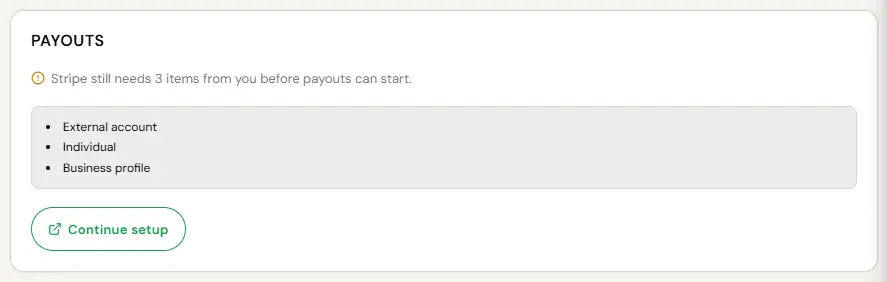
If you close the browser halfway through, nothing is lost. Come back and the button says Continue setup rather than Start setup.

Buildings: 60 days to connect
If your building pays for the electricity its chargers use and your agreement includes electricity reimbursement, the building has its own payout account for that reimbursement, separate from any account that receives charging revenue. The Building Admin connects it, from the Connect bank banner or the bank card in Site settings.
- Connect within 60 days of launch and we reimburse the electricity from launch.
- Connect later and reimbursement starts for sessions that start after the account is verified. The electricity used before then is not reimbursed, then or later.
- The clock does not pause for Stripe, or wait for a reminder. The account counts as connected when Stripe first confirms it can receive payouts, so start early.
- If a connected account stops working, you have 60 days from the time it stopped to fix it before the same rule applies. We try to tell you, but the 60 days run either way.
Electricity reimbursement follows our Site Host Terms: what counts toward the rate, statements, the deadlines for disputing a number, and what happens if the property changes hands.
While it is pending
Some of what Stripe checks resolves in seconds. Address verification, a document review and the risk checks behind them do not always, which is why you can finish the form and still see Your account is being reviewed on the Payouts card.
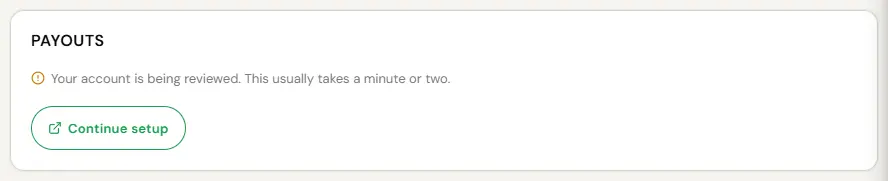
That is normal and it is not a problem. Your charger keeps working, guests keep charging and you keep earning. The balance is held rather than paid, and it releases on its own when the review clears. You will be told.
This is worth repeating because it is the single most common worry. Accrual of charging revenue and commission does not depend on Stripe. Payment does. Everything earned while you were pending pays out the moment you are confirmed. The one exception is a building’s electricity reimbursement, which has the 60-day deadline above.
If it does not go through
Occasionally Stripe cannot verify someone. The usual causes are a name that does not match the ID, an address that does not match the bank, or a typo in the tax number.
- Resolve it with Stripe directly. We cannot override a verification decision, and we would not want the ability to.
- Your charger keeps running. It does not go offline because a payout account is unresolved.
- Your revenue keeps accruing. It stays held until the account clears. A building’s electricity reimbursement still has its 60-day deadline.
- If your bank details were wrong, Stripe will try to verify the account and tell you when it cannot. Fix the account in your Stripe dashboard and payouts resume.
After it is done
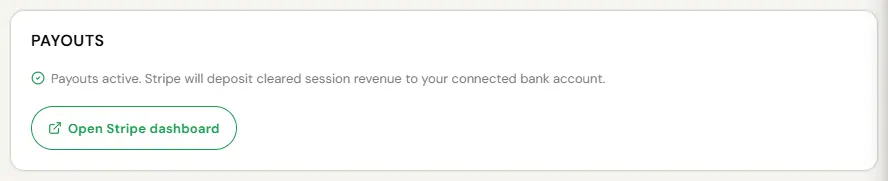
- Use Open Stripe dashboard on the Payouts card under System, Settings. A Sales Partner has Open Stripe Dashboard on the Payouts tab of Reports, and a residential host has it on the charger’s Earnings screen in the app.
- It signs you straight into your own Stripe account.
- Change bank details, see individual payouts, download Stripe’s own records.
Your EV Initiative console shows what you have accrued, what has been paid and the basis of each amount. Review statements promptly. Absent a manifest error, a statement is final ninety days after it is issued.
When money actually lands
Payouts run on a regular cycle, shown in the platform, and land in the bank account you connected. Nobody invoices anyone and you never have to request a payment.
- A minimum payout amount may apply. Anything below it carries forward until the threshold is met rather than disappearing.
- Where a program only pays after we have received the underlying revenue, payment follows that receipt. Carbon credits work this way. Session revenue does not.
- Tax forms come from Stripe, not from us: a 1099-NEC in the United States and a T4A in Canada, when the thresholds are met.
If you think a payment is wrong, mail payouts@evinitiative.com with the statement period and the amount. We check it against session, transaction and settlement records and answer within thirty days.