The business
Drivers.
Who is allowed to charge, who charges free, who cannot charge at all, and how to tell them something without becoming a nuisance.
Who may charge
Set per charger, changeable any time, and it takes effect immediately. Drivers on your own account charge at your rate. These decide who else can.
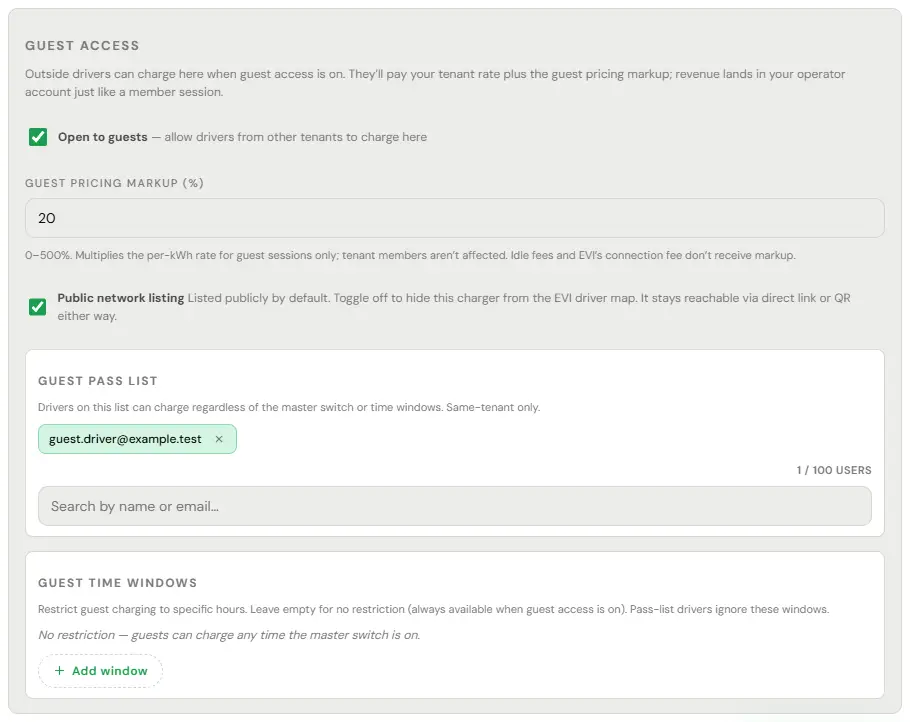
- Open to guests. Outside drivers can charge too, at your rate plus the guest markup. Off, and only drivers on your account can use it.
- Public network listing. On, and it appears on the map. Off, and it is reachable by a direct link or QR code.
- Guest pass list. Named drivers who can charge whatever the Open to guests switch or the guest hours say. They still pay.
- Fleet Assignment. Only drivers in a named fleet, billed to that fleet, unless you also allow mixed use.
- Open the charger and use Edit.
- Set the Guest access settings: Open to guests and its markup, Public network listing, the Guest pass list and the guest hours.
- For a fleet, use Fleet Assignment on the charger’s Overview tab.

Free lists and block lists
A free pass list and a block list belong to a home charger, which its host runs from the driver app (see Residential host). The free pass list holds up to a hundred people who charge free at any time and ignore the guest hours. The block list beats everything, including the pass list, and a blocked driver sees the charger as closed rather than blocked, at every entry point including an RFID tap.
On a charger you run from the console, the list is the Guest pass list in the charger’s Edit form. It lets named drivers charge whatever the guest switch and hours say, and they still pay. The console has no block list.
- Open the charger and use Edit.
- Find the driver under Guest pass list and add them.
- Save.
Join codes
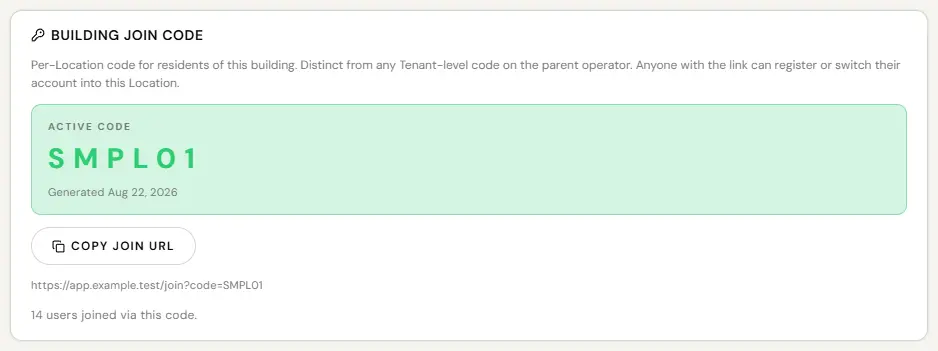
Every building has one. A resident enters it once in the app and is linked to your building, which is what makes their charging show up in the right place and your resident pricing apply to them.
- Open the location and its Location Settings.
- Copy the code from the Building Join Code card, or use Copy join URL.
- Post it where residents already look.
Sharing the code is the whole job. There is no per-resident admin.
Telling drivers something
An announcement reaches drivers inside the app. It goes to your own drivers or to one fleet, never to the whole network.
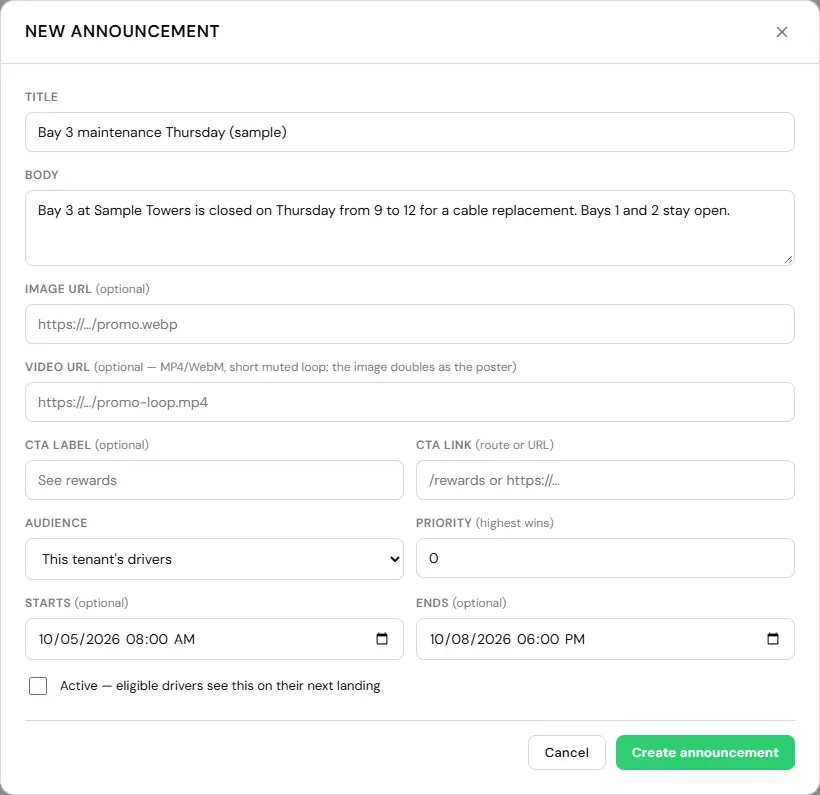
- Manage, Communications, Announcements, then New Announcement: title, body, an optional image, video and call to action, the audience (your drivers or one fleet), priority and schedule.
- Leave Active unticked to hold it, and read it back.
- Tick Active when it should go out.
Going out is always a deliberate second step, ticking Active, because there is no undo on somebody’s attention.
An announcement to a site means every driver at it. A notification to a site means its administrators. Same shape, opposite audiences. The console names them distinctly so nobody sends a maintenance notice to four hundred residents by mistake.
What you can and cannot see
You see charging: who charged, when, how much energy, what they paid, on your own network.
You do not see a paying guest’s phone number or email. Contact details are shown only for people you invited. The host did not choose to know a stranger, and the stranger did not agree to hand a host their number.
If you run a building where residents own their own chargers, their guest transactions are theirs. You run the site; you are not in the middle of that transaction.