
Run the site
Join
codes.
How residents get onto a building’s chargers, and how drivers get onto a fleet, without either of them appearing on a public map. One code, entered once.
What a code is for
Plenty of sites should not be on a public map. A residents’ parkade does not want passing traffic. A depot does not want the public. But the people who belong there still need to find the chargers and use them.
A join code is how. The person enters it once in the app and from then on the site is simply there for them. No map listing, no public discovery, no gate for anyone else.
Building codes
Building codes are issued per location. That matters if you run a portfolio: each building has its own, so giving a resident the code for one building does not hand them the rest.
- Get the join code for the location.
- Send it to residents with a link to the app. A move-in pack, a notice board and a resident newsletter all work, and the notice board is the one that actually gets read.
- The resident installs the app, enters the code once, and the building’s chargers appear for them.
Put the app install instructions next to the code. A code with no app is a support call.
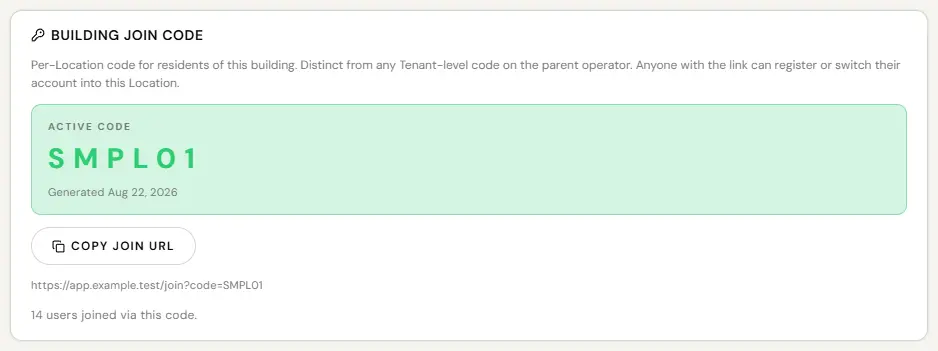
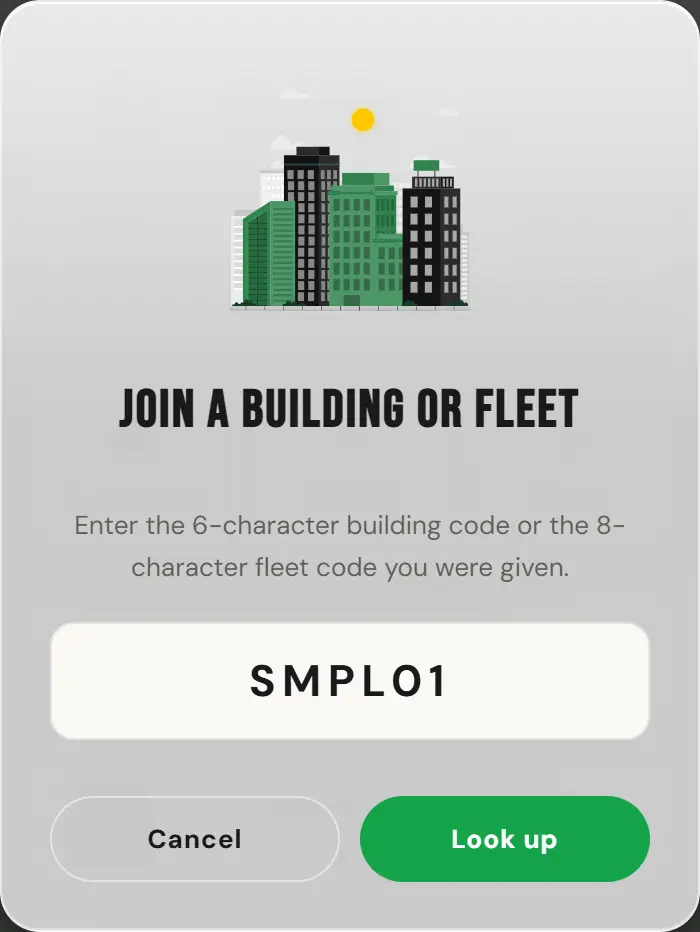
Once joined, a resident sees the building’s chargers, charges at whatever price you have set, and appears in your reports like anyone else. Chargers you add to that location later show up for them automatically.
Fleet codes
A fleet has two ways in, and the second one is the one to use if you have more than a handful of drivers.
- An invite code. You give it to a driver, they enter it once in the app, they are on the fleet. Right for contractors, for anyone on a personal email address, and for one-off additions.
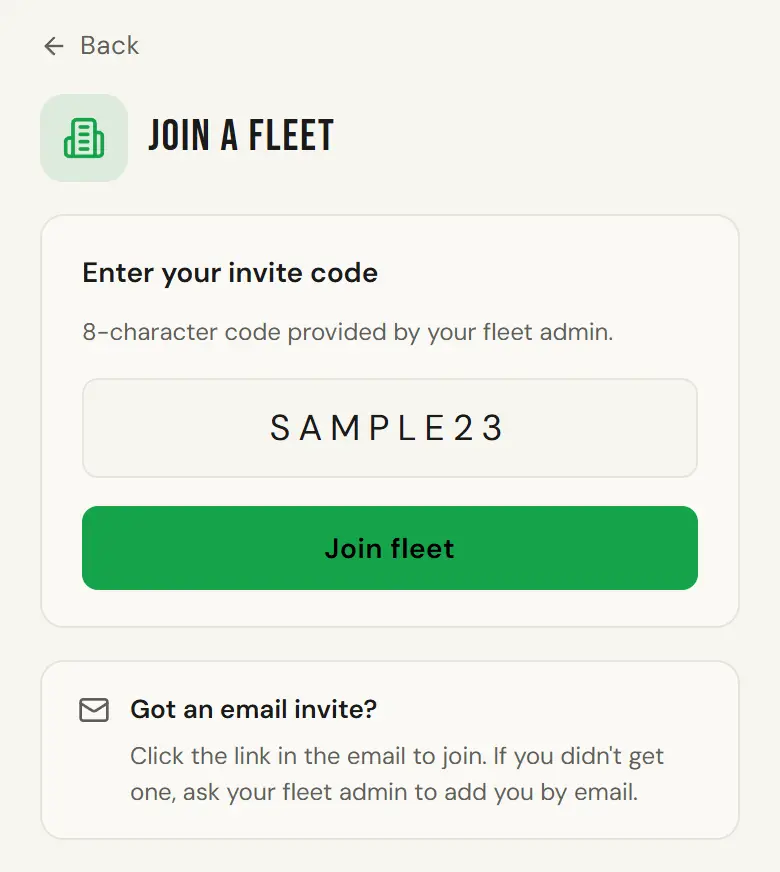
Join a fleet in the driver app, with the invite code typed in. Sample screen with test data. - Email domain auto-attribution. Register your company’s email domain and anyone who signs up with an address at it is attached to the fleet automatically. Nothing to distribute and nothing to maintain when you hire someone.
Bulk upload the spreadsheet from the fleet Drivers tab, one email per row, and register the domain as well so new hires attach themselves later without anyone doing anything. The domain alone is not enough on Google Workspace: auto-attribution runs on password signup and is skipped on Google sign-up.
Joining a fleet is not the same as joining a building. A fleet code decides who pays for a driver’s work charging. A building code decides where a person can charge. A driver can easily need both: the fleet code so work charging bills the company, the building code so they can use the chargers in their own garage. See Fleet Admin for fleet mode and personal mode, which is the part drivers actually have to understand.
Leaving
- A resident can remove themselves from a building in their own app.
- A fleet driver is removed by the fleet admin on the Drivers tab. Future fleet-mode sessions stop immediately. It does not reverse sessions already run, and it should not, because that energy was genuinely delivered. Kill their keyfob at the same time.
- Anyone can be blocked at a home charger by its host, in the driver app. A block beats everything, including the free list, and the blocked driver sees the charger as closed rather than as blocked. The console has no block list for the chargers you run there.
What a code is not
- Not a password. Treat it as semi-public. It is how residents get in, so it will end up on a notice board, and that is fine.
- Not a payment method. A building code gets someone access. They still pay whatever you charge.
- Not a block list. A code lets people in. It is not the way to keep one person out, and changing it changes it for everyone.