
Start
Get it on
your phone.
Both apps install to your home screen and behave like any other app. No app store, no downloads, no update prompts, and it works in a parkade where the signal does not.
Which app you need
| If you are | Install | It appears as |
|---|---|---|
| An operator, property manager, building admin, fleet admin or sales partner | admin.evinitiative.com | EVI Admin |
| A residential host, or anyone who charges a car | app.evinitiative.com | EVI |
Residential hosting is run from the driver app, not the console. If you own one charger at a home, the second row is you. See Residential host.
iPhone and iPad
- Open the address in Safari. Not Chrome, not Firefox. On iOS only Safari can do this.
- Sign in.
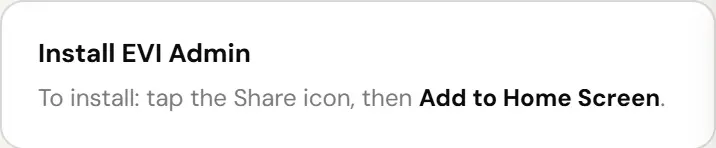
- Tap the Share icon, the square with an arrow coming out of the top.
- Scroll down and tap Add to Home Screen.
- Name it if you like, then tap Add.
- Open it from your home screen from now on. It runs full screen with no address bar.
Turn on notifications when it asks. That is how an offline charger reaches you before a resident does.
Android
- Open the address in Chrome.
- Sign in.
- Chrome usually offers to install it. If it does, accept.
- If it does not, open the three-dot menu and choose Install app, or Add to Home screen.
- Open it from your home screen from now on.
The admin console will not let you past sign-in without two-factor authentication, on your phone the same as on a desktop. Set it up once and the installed app remembers you. Your driver account is separate and is not affected either way.
Why it is not in the app store
A store build means a review queue between a fix and the person who needs it, two codebases that drift apart, and a version of the app on someone’s phone that is four releases behind and producing a bug report about something already fixed.
A progressive web app skips all of that. You always have the current version, there is nothing to update, and when we ship a fix at four in the afternoon you have it at four in the afternoon.